
How It Works · Integration
However your content moves, Cascade moves with it.
API, print pipeline, e-reader, browser: Cascade fits the format you already use. No rebuild required.
Where it fits
One layer, however you reach your reader.
Pick the path that matches how your content already moves. Every path leads back to the same engine.
Real-time
API
Send text, get structure back in milliseconds. Built for any pipeline that can make an HTTP call.
Batch
Print & Export
Pre-process content once, output Cascade-formatted text for static and print-ready delivery.
Long-form
E-Readers & Reading Apps
Drop into long-form reading environments where comprehension depth matters most.
Live, in-page
Browser
Drop-in
Direct Embed
A ready-made component for platforms that want Cascade’s presentation layer without building against the API.
Under the hood
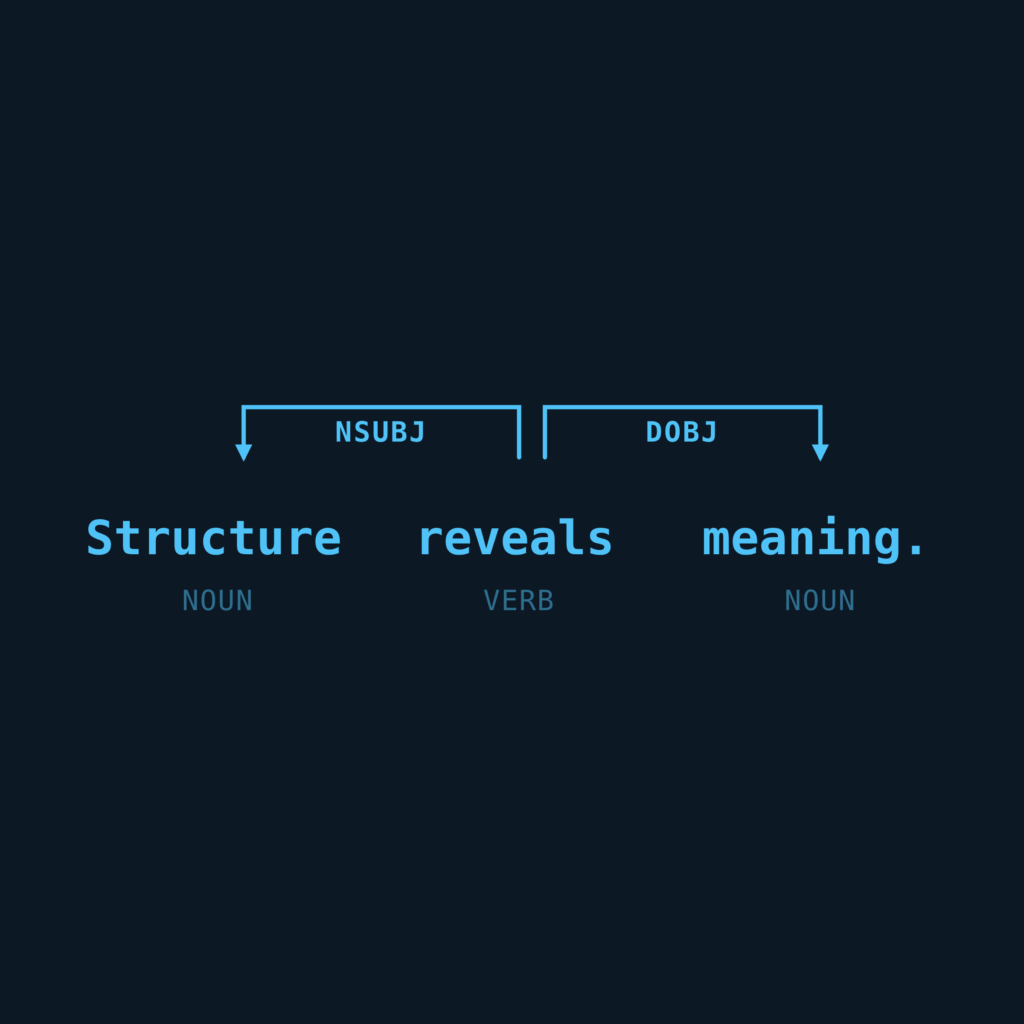
Five steps between your text and a better reading experience.
The API
Three ways in, one engine underneath.
Same request, three response shapes: pick whichever fits how your stack renders content.
POST /v1/cascade/json
Structured metadata: indent levels and line breaks only. Full control over how it renders.
POST /v1/cascade/html
Ready-to-render markup, styled with your own CSS classes. No client-side parsing needed.
POST /v1/cascade/text
Cascade-formatted plain text, for environments that can’t render HTML or parse JSON.
# response — structure only; your CSS does the styling
{
  "sentences": [
    {
      "json_cascade": [
        { "indent_level": 1, "line": "When the men" },
        { "indent_level": 1, "line": "hunt," },
        { "indent_level": 0, "line": "the birds" },
        { "indent_level": 1, "line": "with bright feathers" },
        { "indent_level": 0, "line": "typically scatter." }
      ]
    }
  ]
}
Auth
OAuth client credentials
Versioning
Semantic versioning: no breaking changes without a version bump
Input limit
32,000 characters per request; batch longer content across multiple calls
Errors
Standard HTTP status codes: 200 success, 401 unauthorized, 422 unprocessable entity, 500 server error

Security & ownership
Your content, your infrastructure, your rules.
Your content stays yours
Privacy-first by design. Deployment options keep your content inside your own systems. Cascade processes structure. It doesn’t store your text.
You control the rendering
Cascade returns structured output. Your CSS, your brand, your product. The presentation is yours to own. Cascade only shapes the underlying structure.
Your integration is closer than you think.
Request API access, or talk to us about the format that fits your stack: print, browser, e-reader, or direct embed.
Good to know
Common questions
How would we actually integrate Cascade into our platform or pipeline?
Cascade integrates via a simple API (endpoints for JSON, HTML, or plain text), a browser extension, or a direct platform embed, depending on your use case. See Integration for the full detail. Reach out to the Cascade team if you have questions about integrating Cascade with any of your products or systems.
What does the API return, exactly?
Three response options: JSON for structured metadata, HTML for ready-to-render markup styled with your own CSS classes, or plain text.
How is the API secured, and what happens if a request fails?
Authentication is handled through OAuth client credentials. The API returns standard HTTP status codes (200, 401, 422, 500) so failures are easy to detect and handle.
Is there a limit to how much content we can send through the API?
Yes. Requests are limited to 32,000 characters. In practice, submissions should be a sentence or paragraph length at most with multiple calls used to complete longer passages.
Does Cascade store or retain our content?
No. Cascade processes structure only and doesn’t store the underlying text. You retain control over your content.
What kinds of content and languages does it support?
Any content type, from news articles to legal contracts to scientific papers. It’s live today in English, French, German, Italian, and Spanish, with Mandarin coming soon.
How does Cascade interact with AI-generated content?
Cascade is a reading layer that benefits readers of all ages and levels, wherever they read. It makes AI-generated content, search results, and documentation easier to understand, not just easier to produce.
How do we get started or ask technical questions?
Request API access directly from the Integration page, or reach the team through the Contact page. It routes you to the right conversation, whether you’re evaluating Cascade for a team or a platform integration.