Cascade in the Classroom
Greater understanding. More confidence.
Cascade’s Reader and Explorer tools reveal how a sentence’s parts fit together, making it easier for your students to find meaning. Cascade is free for teachers, and ready to use in minutes.

How It Works
Shaping sentences to improve comprehension
Cascade reshapes each sentence by aligning subjects and verbs and indenting dependent information underneath so that the structure of the sentence is visible at a glance. This is done without changing the actual content your students read. When students can see how a sentence is built, they spend less time untangling it and more time understanding it.
Cascade Explorer
Highlights parts of speech and grammatical structure, built for teaching.

Extra Support
Support for ESL learners and students who find reading difficult
English-language learners and students who find reading difficult can both lose the thread in a complex sentence. Cascade makes a sentence’s structure visible, so both groups can access grade-level text with confidence.
ESL Learners
Levels the reading field for students who don’t yet speak English fluently.
Challenged Readers
Gives students who find reading difficult a visual scaffold for spotting word relationships.

The science
Evidence-based. Classroom ready.
Cascade is built on four decades of research into how our minds process language. Multiple peer-reviewed studies show it helps readers understand the same words with less effort. The benefits hold across ages, languages, and reading levels, including readers who’ve always found reading difficult.
4/5
adults with ADHD or dyslexia preferred Cascade Format over traditional text
★★★★
(out of four)
assessment from an independent Johns Hopkins review.
Get started
Start teaching with Cascade.
Sign up for Cascade for free and start to unlock improved reading comprehension.
1
Regardless of your curriculum. No training or PD to start. An email is all that’s needed.
2
Verify your email
Confirm your email to complete the registration.
3
Launch Reader or Explorer
Educator Testimonials
Hear from educators using Cascade
Cascade is grounded in research on reading comprehension. Teachers see the difference immediately.
“
Cascade gave the student the confidence needed to see herself as a reader.
Reading specialist
Wauwatosa, WI
“
Reading in Cascade was an emotional moment today as I felt like someone finally understands non-native speakers like me.
ESL Reader
University student
“
Cascade makes complex sentences comprehensible for all students, but it’s especially useful for struggling readers and multilingual learners.
Margie Gillis
Founder & President, Literacy How
Free Resources
Educator Lessons
Free Resource
Cascade Passages Library
Browse an array of engaging narratives and passages tailored to 4th- and 5th-grade CKLA topics: offered in seven different reading levels, English and Spanish, all displayed in the Cascade Format.
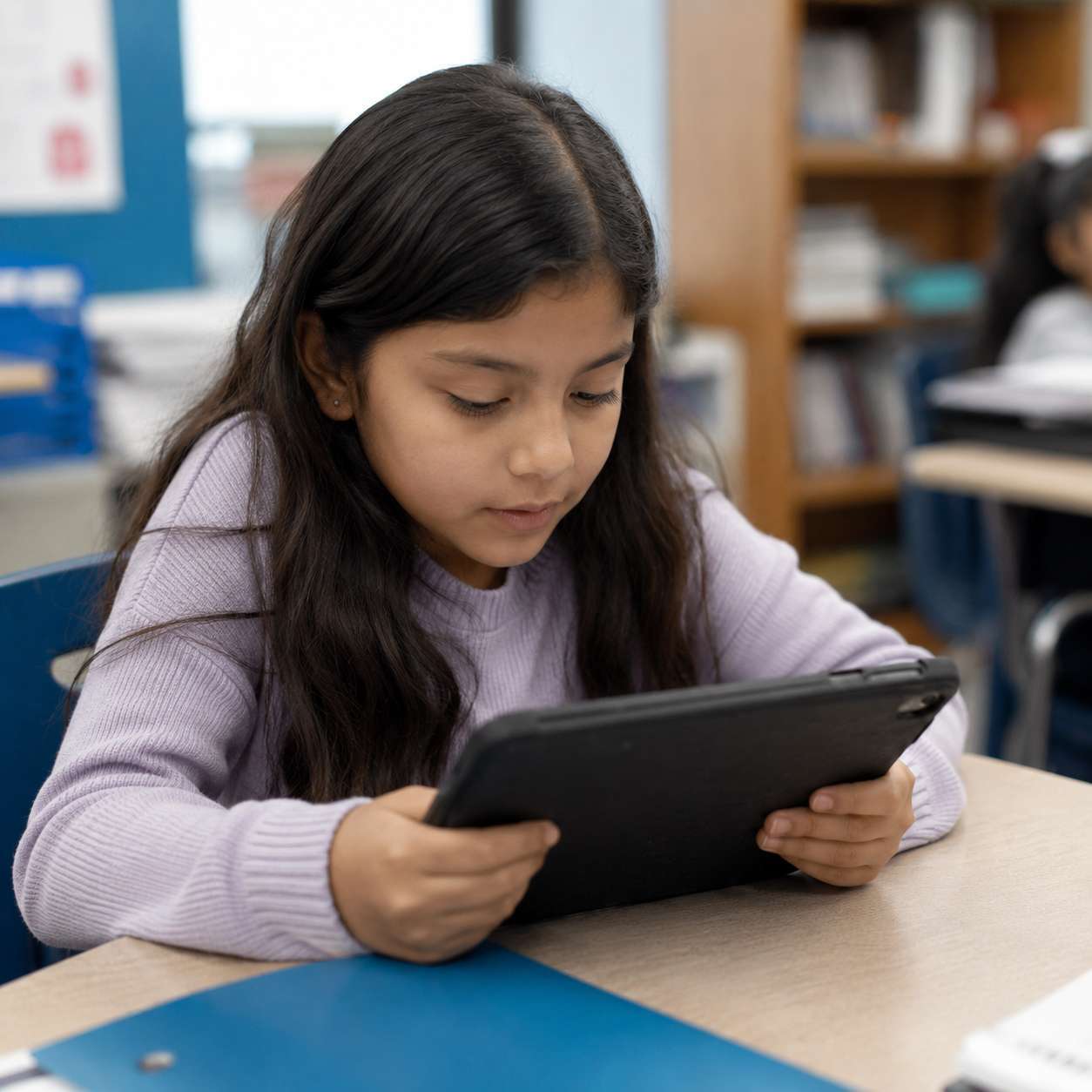
Cascade makes the relationships inside a sentence visible, helping your students find meaning more easily.
Good to know
Common questions
Is Cascade actually free for teachers?
Yes. Individual teachers can register a free account and be ready to use it in minutes with no training required. Schools or districts can access Cascade under a license agreement.
What tools do I get access to as a teacher?
- Cascade Reader: a free-form tool that instantly reshapes any text you type or paste.
- Cascade Explorer: the same tool with added educator features: it layers parts-of-speech and grammatical-structure highlighting on top of the reshaped text, making word relationships and function visible at a glance.
- Cascade Passage Library: a set of narratives and passages built around 4th- and 5th-grade CKLA topics, spanning seven reading levels. It’s included with the same free account and pairs naturally with either Reader (general reading practice) or Explorer (grammar instruction). You can share passages with students by URL or by sharing the HTML version of a passage.
Will Cascade change what my students are reading?
No. Cascade never rewrites or summarizes content. It only changes how a sentence is shaped on the page.
How does Cascade help English language learners and students who struggle with reading?
By making sentence structure visible, Cascade gives both groups a scaffold for spotting how words relate to each other. See the Research Portfolio for a peer-reviewed study demonstrating the value of Cascade for ESL readers.
Are there limits on how much text I can convert, and can I paste from a PDF or other document?
Cascade Reader and Explorer support up to 2,500 characters per conversion. You can paste text copied from a PDF, ePub, or other formatted document, but carried-over formatting can sometimes disrupt how the text reshapes.
What if I want Cascade for my whole school or district, not just my own classroom?
Individual sign-up stays free, but a school or district-wide rollout goes through Cascade’s Education solutions team. Have your school reach out directly. Cascade also runs pilots for teams and organizations.
Is Cascade Reading evidence-based?
Yes. Cascade has conducted rigorous research which has been published in peer-reviewed journals, including two separate longitudinal studies following 4th and 5th graders and a University of Illinois eye-tracking study of 80 adult readers. See the Research Portfolio.
If my child's teacher or reading specialist isn't using Cascade yet, what can I do?
Point their teacher to the free individual educator sign-up (ready in minutes, no training required), or, for a school- or district-wide rollout, have the school reach out through Cascade’s contact link.